ChatGPT
Custom connectors need developer mode, which depends on your plan (currently Business, Enterprise and Edu; some Plus/Pro accounts have it too).
- Settings → Apps & Connectors → Advanced settings: switch Developer mode on.
- Back in Apps & Connectors, click Create (or Add custom MCP server). Name:
Ginta. MCP server URL:
Authentication: OAuth. Tick "I trust this application", then Create.https://ginta.app/mcp - A Ginta window opens: sign in and press Allow.
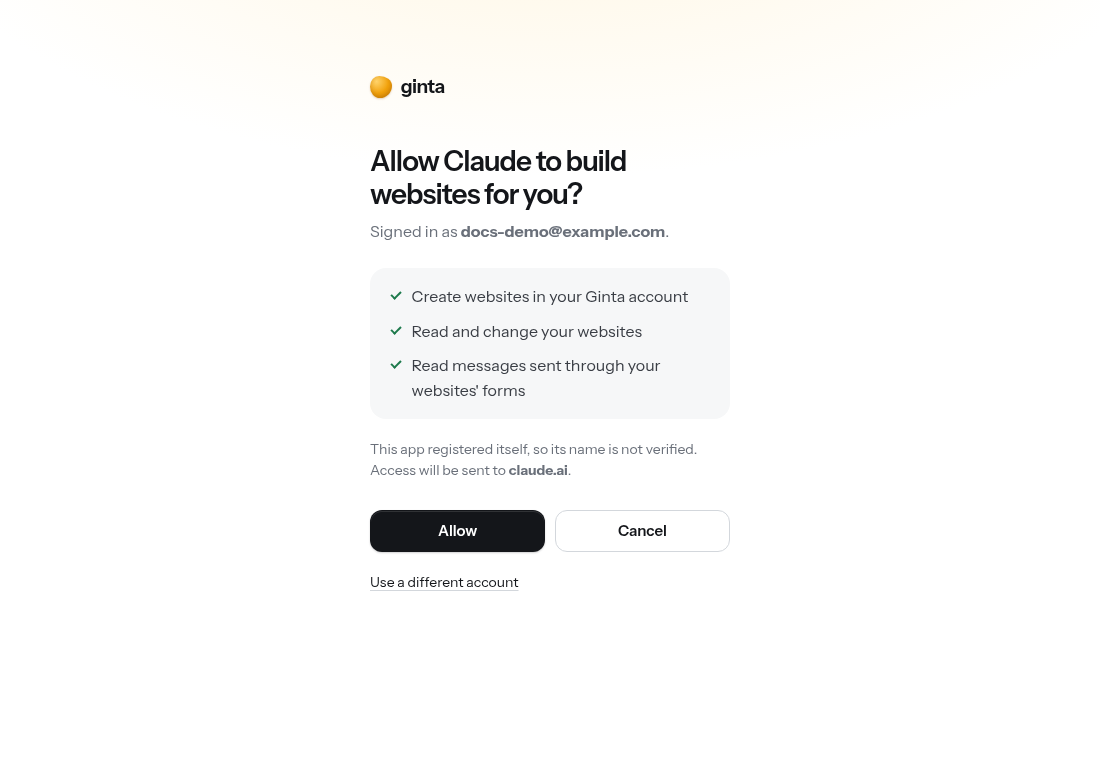
- In a new chat, click +, choose Developer mode / Ginta, and ask for a website.
ChatGPT asks before each change ("write" tools); reading (sites, guide, stats) runs without asking.