Claude (claude.ai, desktop app)
- Open Customize → Connectors (https://claude.ai/customize/connectors). On older versions: Settings → Connectors.
- Click + → Add custom connector. Name:
Ginta. URL:
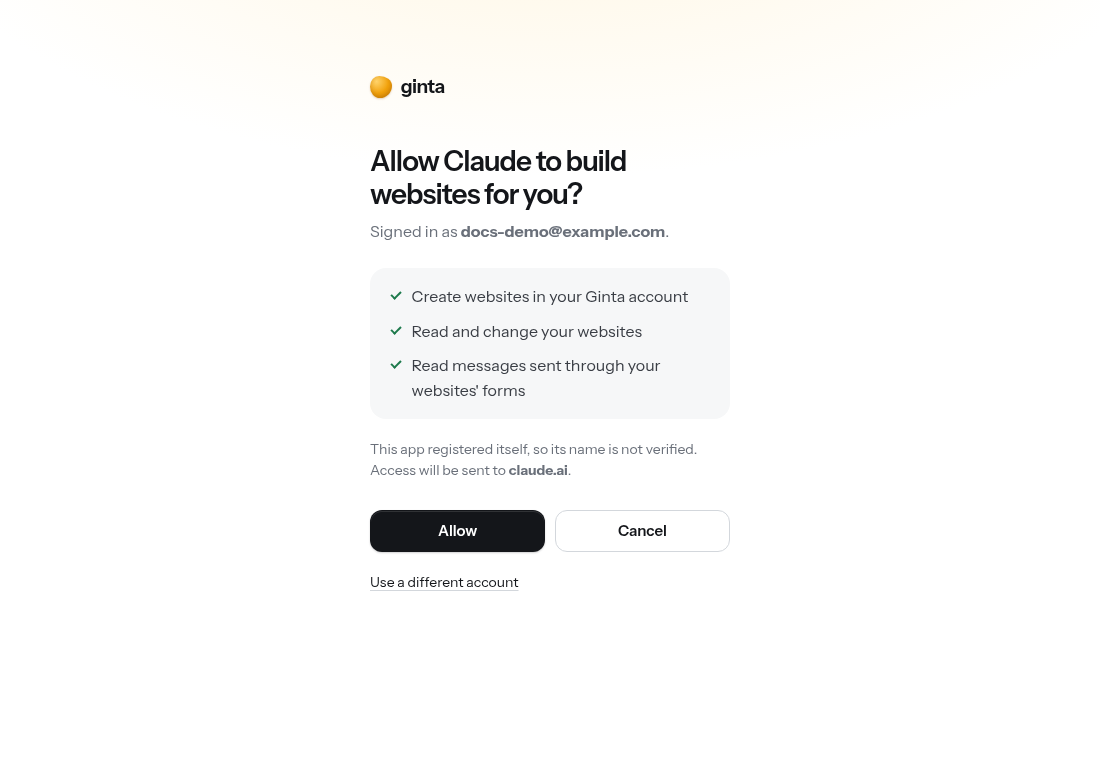
Leave the advanced settings empty and click Add.https://ginta.app/mcp - Click Connect. A Ginta window opens: sign in (or create a free account) and press Allow.
- In a new chat: + → Connectors → switch Ginta on, and ask: "Use Ginta to make a website for my bakery in Lisbon…"
Team and Enterprise plans: an owner first adds the connector under Organization settings → Connectors.
Good to know
- Building through Claude uses no Ginta credits: Claude does the work, Ginta hosts.
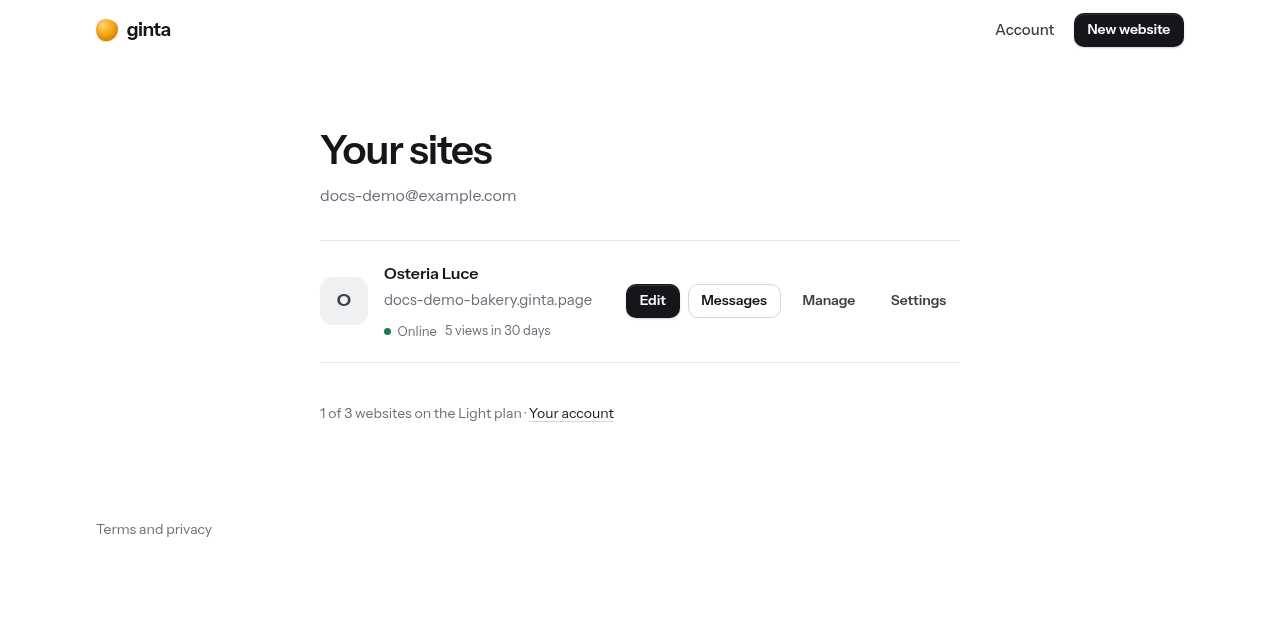
- The site appears in Your sites at once; you can keep changing it in Claude or in Ginta's own builder.
- Ask "show my form messages", "add online booking", "connect my domain bakery.com": the matching tools run.