What does your business do?
Write it in one sentence, in any language. Ginta designs a website for it and puts it online in under a minute.
Or try an example:
Came here from a website made with Ginta? Something wrong with it? Report this site
Real websites, each from one sentence
Ginta made every site below from the sentence under it. Nothing was touched by hand, and no two look alike.
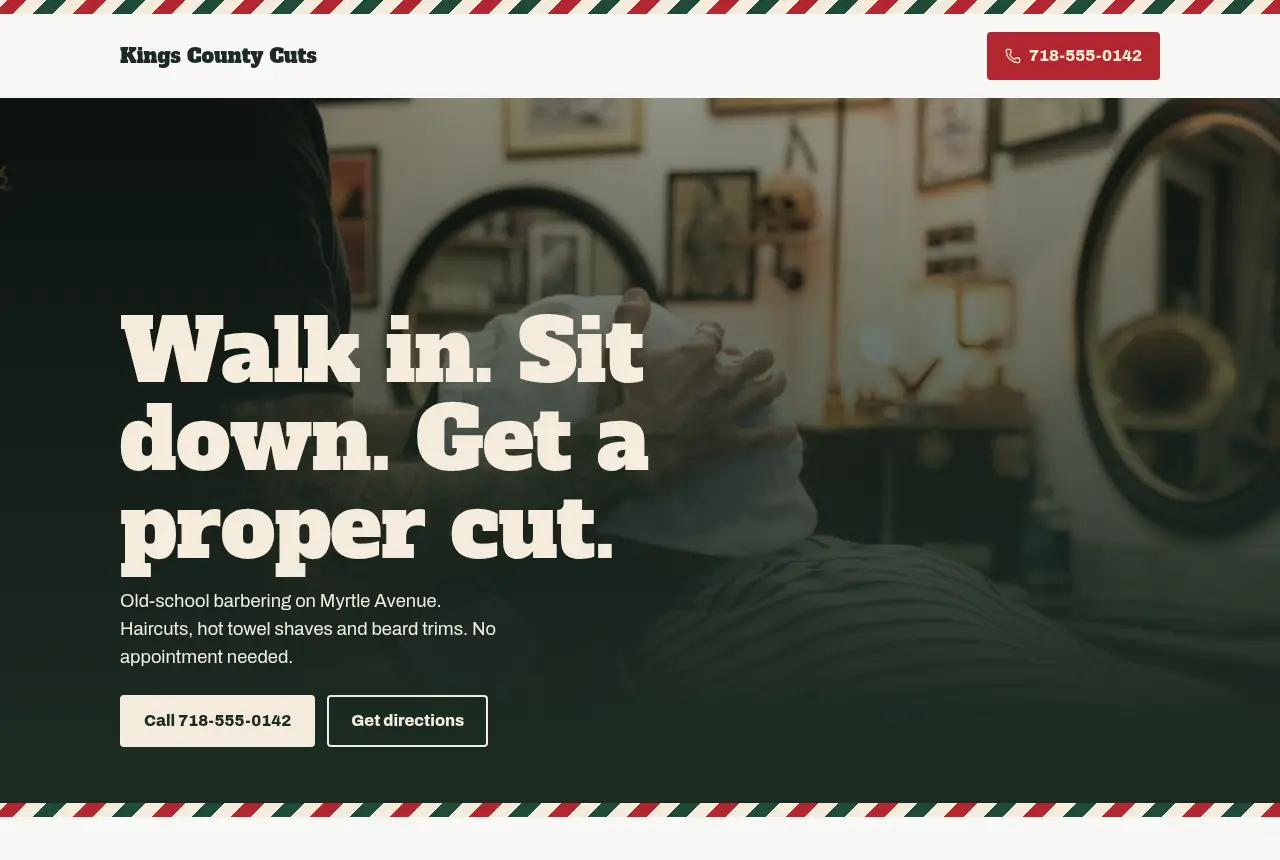
“barber shop in brooklyn, old school, walk ins welcome, we do hot towel shaves”
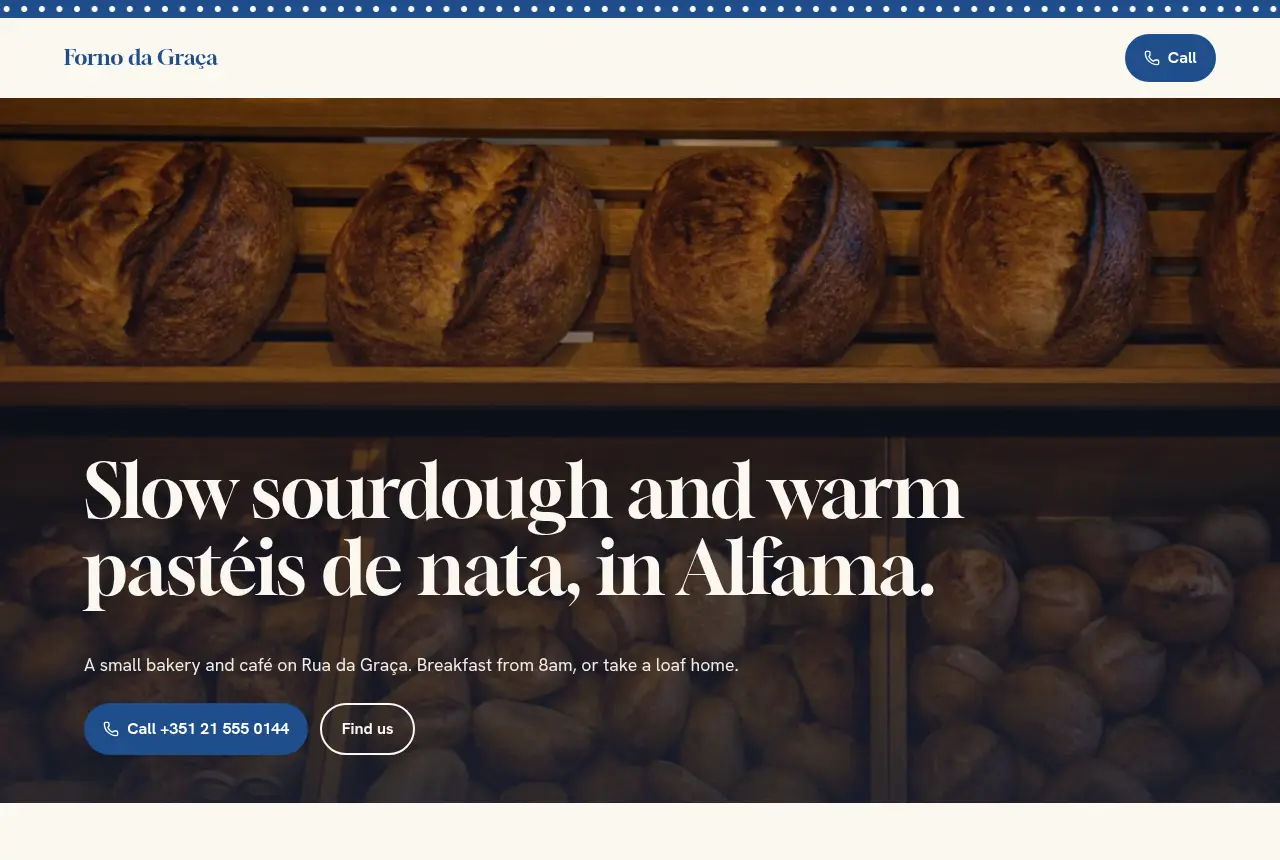
“tiny bakery cafe in alfama lisbon, sourdough + pastel de nata, open from 8am”
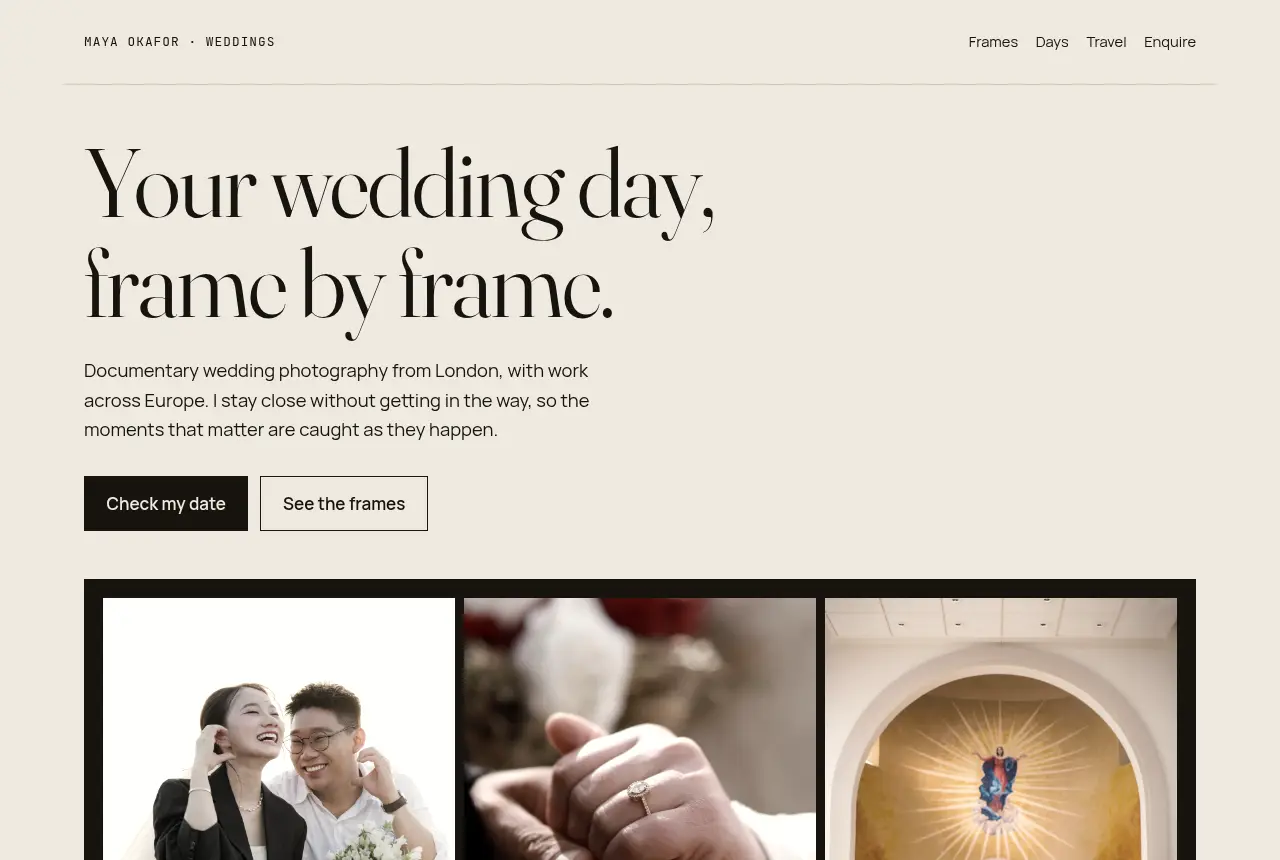
“i do wedding photography”
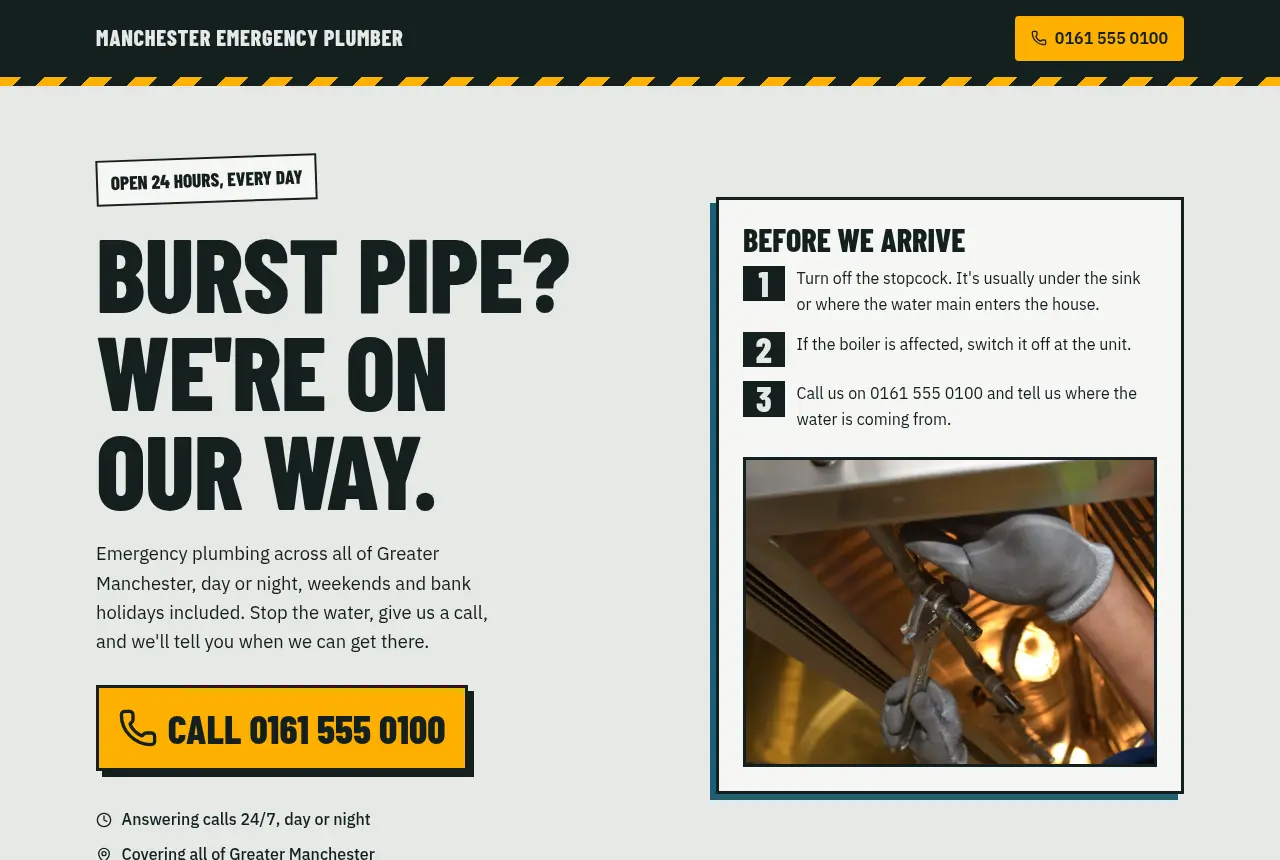
“emergency plumber manchester 24/7 call 0161 555 0100”
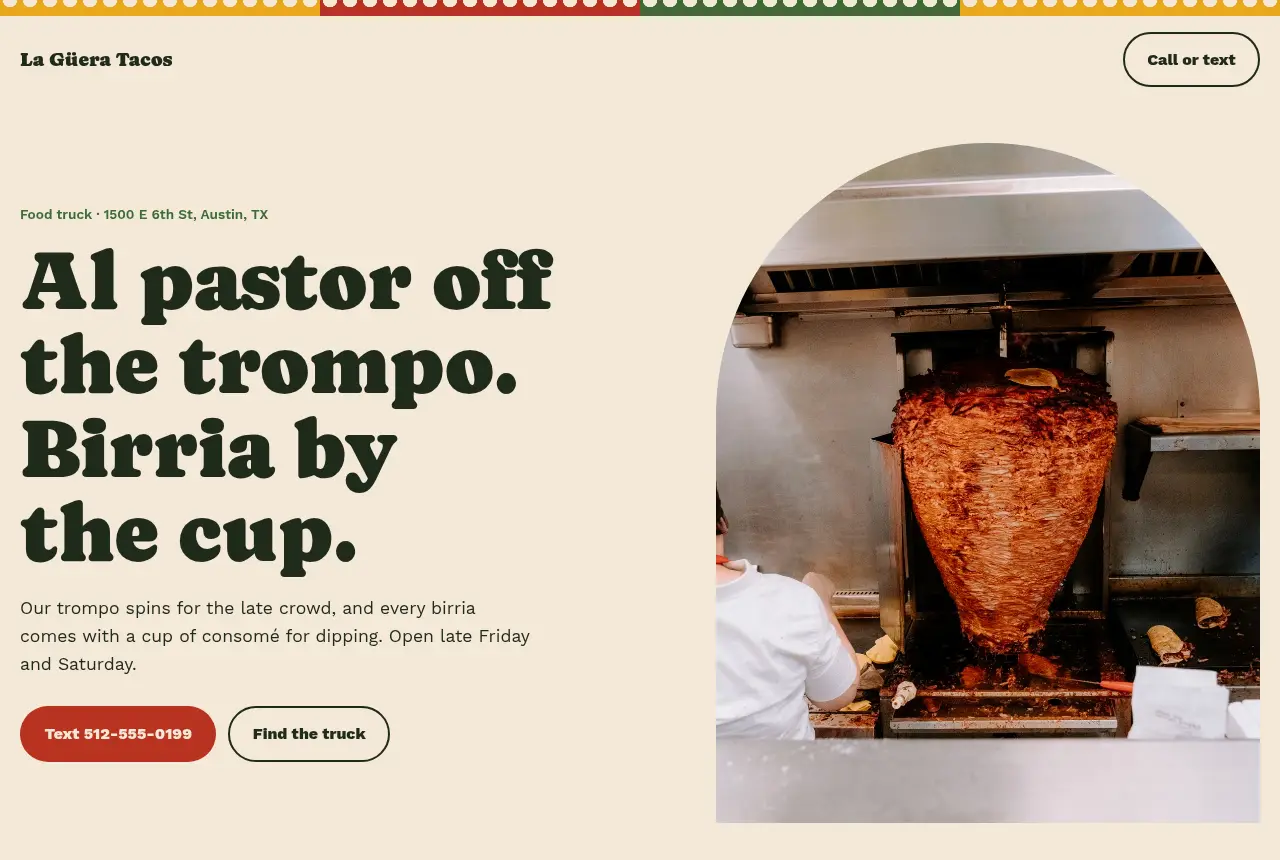
“taco truck in austin, al pastor y birria, abrimos tarde viernes y sabado”
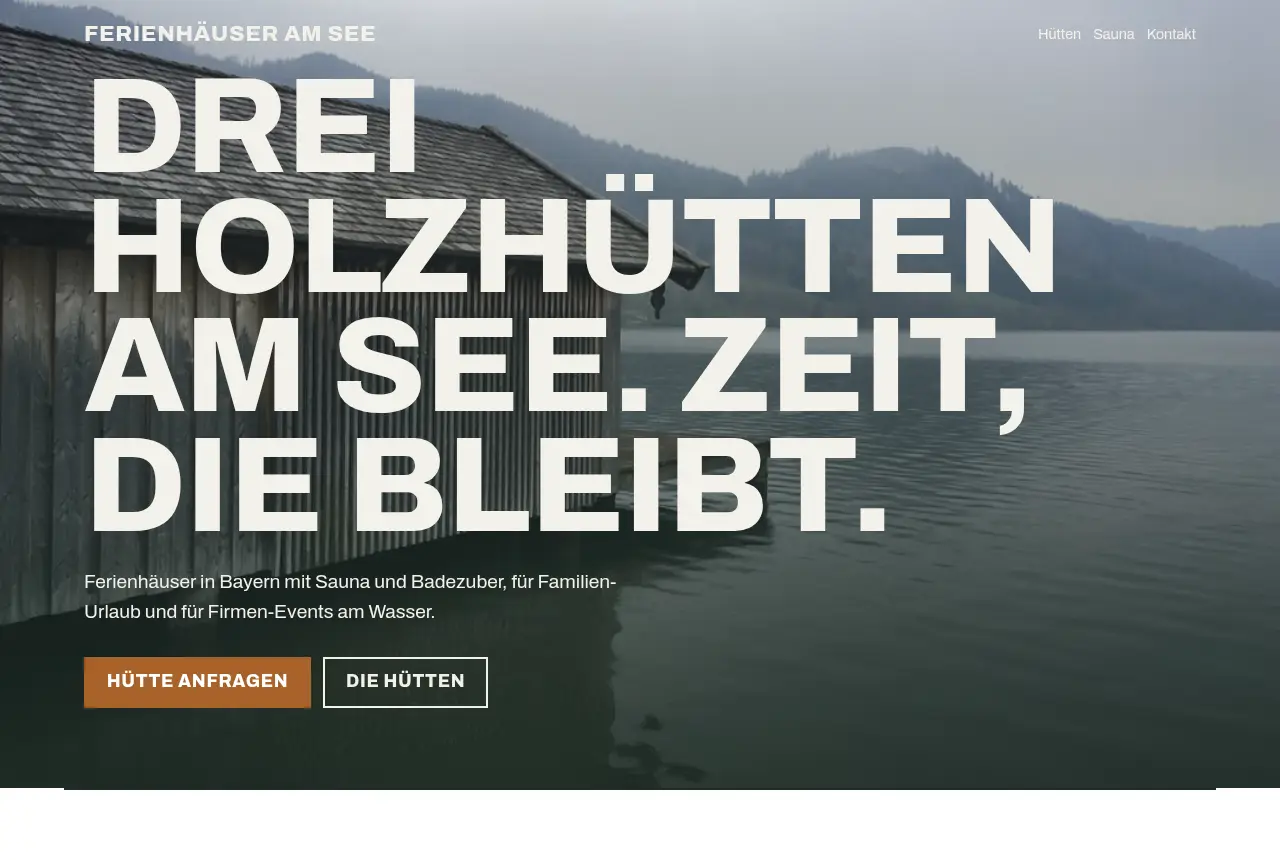
“ferienhäuser am see in bayern, 3 holzhütten, sauna mit badezuber”

“salon de coiffure pour femmes a lyon, coupe couleur balayage, je m'appelle Camille”
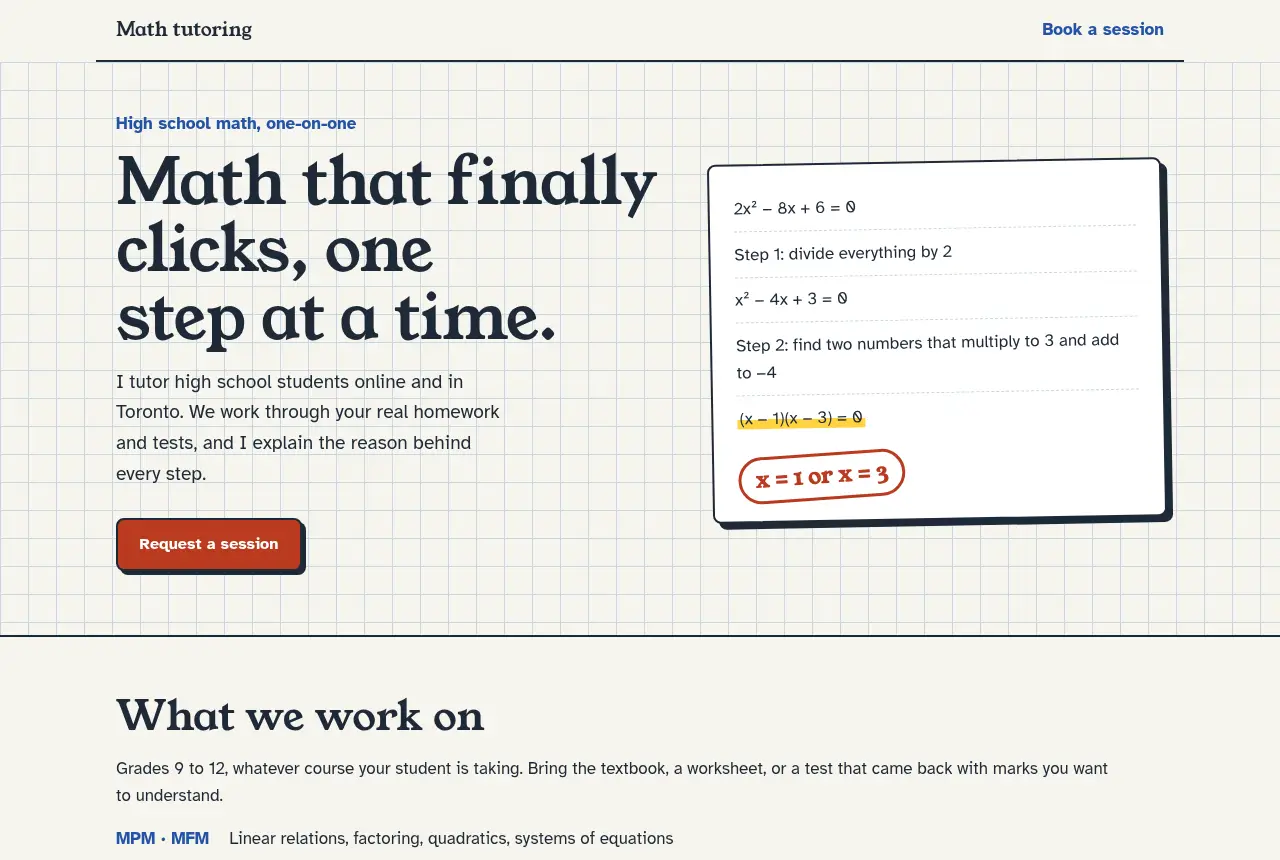
“math tutor for high school kids, online and in toronto, im a student at UofT”
From a sentence to a website you can share
- 1
Describe your business
One sentence is enough. Write the way you would text a friend, in any language.
- 2
Answer a quick question
Ginta may ask for your phone number or address, so your website never shows made-up details.
- 3
Change anything by asking
Your website is live at its own link. Ask for new prices, colours or photos in plain words, and undo any change.
Already use Claude or ChatGPT?
Connect Ginta, then ask your assistant to build or update your website right in the chat. Everything lands in your Ginta account.
https://ginta.app/mcpPaste this address as a custom connector, sign in to Ginta and press Allow. Step-by-step guide
Questions
Is it really free?
Yes. Your first website is free and needs no account. A free account keeps it online and gives you 50 credits every month for changes by the AI (a change usually uses 1 to 3). Free websites show a small “Made with Ginta” line in their footer. Paid plans add more websites and credits. See plans
How long does my website stay online?
As long as you have your account. A website made without an account stays online for 24 hours, so create a free account to keep it.
Can I change it later?
Yes. Open it from Your sites and ask in the chat: new prices, another photo, different colours, an extra section. Every change can be undone.
Where do messages from my contact form go?
To your Ginta inbox. Open Your sites and choose Messages next to the website.
Can customers book, order or sign up on my website?
Yes. Ask Ginta for online booking, a shop, events and classes, quote requests, a menu, a gallery or a blog, and it adds a ready-made part that fits your design. You manage it under Your sites → Manage: change prices, opening times, products or posts there, and your website follows at once, without using credits. Customers get confirmation emails (with a calendar file for bookings and events), and can pay online through your own Stripe account. Which plans include what
Which languages does it speak?
Any. Ginta writes your website in the language you write to it: English, Spanish, French, German, Japanese and many more.
Where do the photos come from?
Ginta picks fitting free photos from Pexels, free to use, and your page doesn’t need to name the photographer. You can add 2 of your own photos to your first website without an account; with a free account, as many photos and logos as you like (in the chat, or drop them in), and Ginta puts them in the right place. A screenshot of a website you like works too: Ginta uses it as inspiration.
Will people find my website on Google?
Yes, once it's saved in your account. Ginta writes the page title, the description and your business details (only the ones you gave) for search engines, and adds a sitemap. Websites without an account are hidden from search engines.
Can I use my own domain?
Yes: every plan includes at least one. You connect it in your website’s Settings: Ginta recognises where your domain is managed (GoDaddy, Namecheap, Porkbun, Squarespace, IONOS, Cloudflare…) and shows the exact steps, usually one record to add. No domain yet? You can find and buy one from there too.