What people check before they choose a barber
People pick a barber the way they pick a café: quickly, on a phone, often standing nearby. In practice they look for:
- The price of their cut, written out: skin fade, scissor cut, beard trim, hot-towel shave, kids' cut, any student or senior price. "Call for prices" sends them to the next shop.
- Walk-in or appointment? This is the barber-specific question most website templates forget. Say it plainly: "Walk-ins welcome, quietest before 11", or "Appointments only on Saturdays".
- Photos of real cuts, not stock models. Clients choose by style, and often by barber.
- Who cuts what. Regulars want the same chair. A short line per barber ("Marco: fades and line-ups, Tue–Sat") is enough.
- Card or cash, and hours today, including late nights and Sundays.
The sections a barber website needs
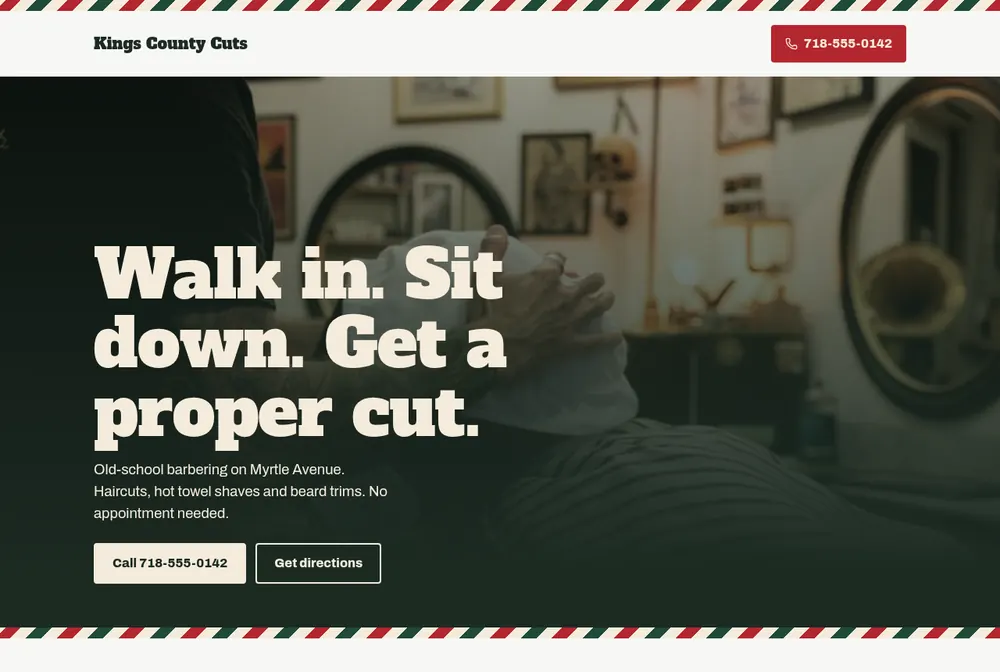
- Top of the page: your name, today's hours, your walk-in or booking policy, and two buttons: Book and Call.
- Price list as text (service, price, how long it takes). Text, not a photo of your price board: phones can read it, Google can read it, and you can change it in seconds.
- Gallery of your own cuts, a dozen good ones beat a hundred.
- Your barbers: photo, what each one is known for, which days they're in.
- Location: address, map, parking or the nearest stop.
- Short questions: kids welcome? card accepted? how long is the wait on Saturdays?
Mistakes we see on barber websites
- Hours only on Instagram, so Google shows one thing and your door says another.
- A walk-in policy nobody can find, so people queue at the wrong time or don't come.
- A booking button that opens a marketplace's home page instead of your own booking page.
- A phone number that isn't a link, so it can't be tapped.
Getting found locally
Your Google Business Profile does most of the work for "barber near me" searches; the website confirms the details and takes the booking. Keep the name, address, phone and hours exactly the same in both places. Google's guidelines ask for your real-world business name with no keywords added (Google Business Profile guidelines), and you can add your booking link to the profile so people book straight from Google (booking links).
For search engines, a barber shop is described as a HairSalon in structured data: schema.org has no separate barber
type. Ginta adds this markup for you, with only the details you gave.
How it works with Ginta
Describe the shop in one sentence, answer a couple of questions (name, phone, address), and the site is live about a minute later. Then add the parts you need by asking: "add online booking: skin fade 30 minutes €25, beard trim 15 minutes €12, Tuesday to Saturday 9 to 7". Bookings come with confirmation emails and a calendar entry for both of you, and clients can change or cancel with their own link. Post "Closed on Monday for the holiday" as an announcement that disappears by itself the day after.
Questions
Do barbers still need a website if they're on Instagram or a booking app?
A small one, yes. Instagram is a great gallery, but it doesn't show your prices, walk-in policy and hours in one place, and it doesn't rank for "barber in [your area]" the way a website plus a Google profile does. Link them to each other.
Should I put prices on my barber website?
Yes. People compare before they walk in. In the EU, businesses must make prices that are fixed in advance available to customers anyway (Services Directive, Article 22). "From" prices are fine for longer services.
Can clients book a specific barber?
With Ginta's Bookings you can add each barber as staff with their own working hours, so clients pick the person and see only that person's free times.
How many pages does a barber shop website need?
Usually one well-organised page is enough: prices, gallery, barbers, location. Add pages only for a big gallery or a second shop.